Health & Fitness · Android
Daily Reps
A workout interval timer that stays out of your way.
Screenshots
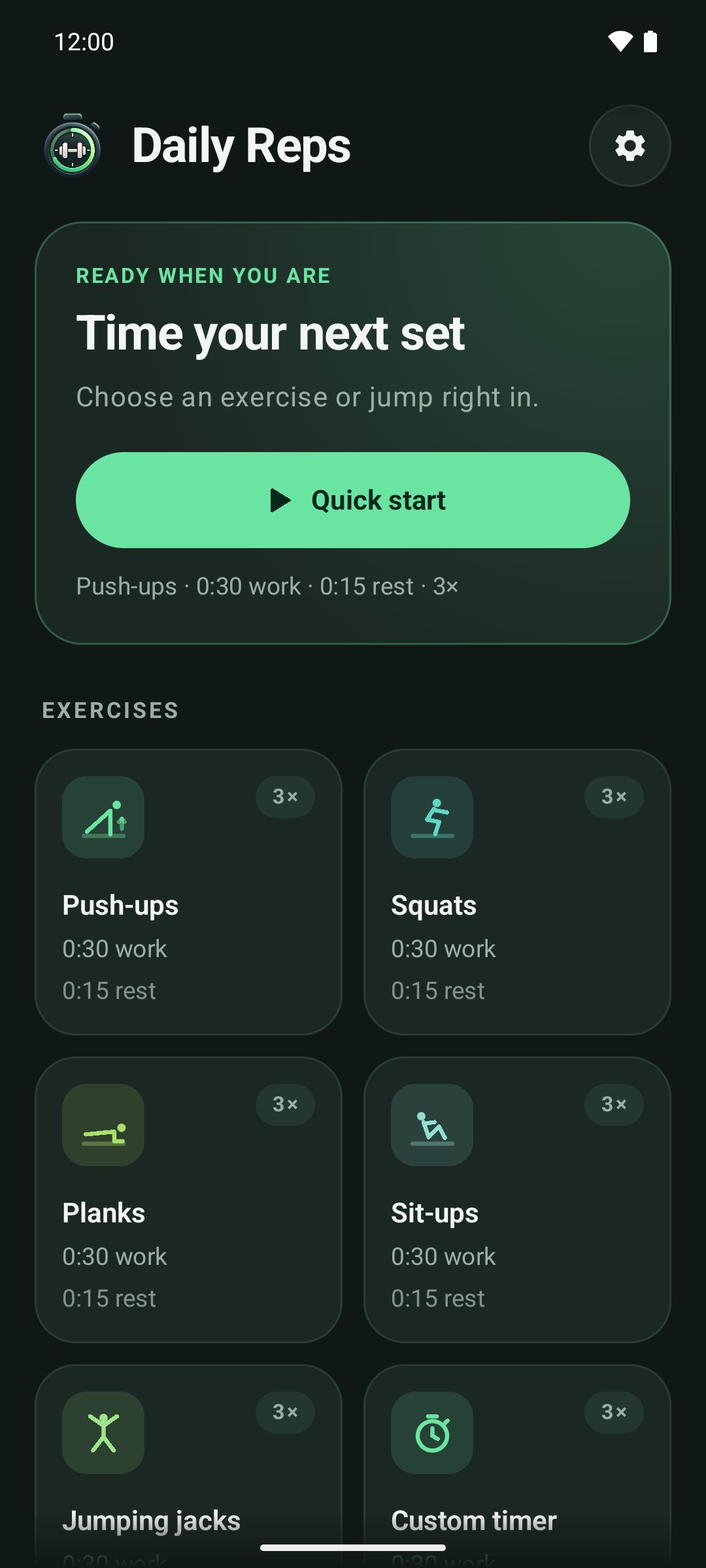
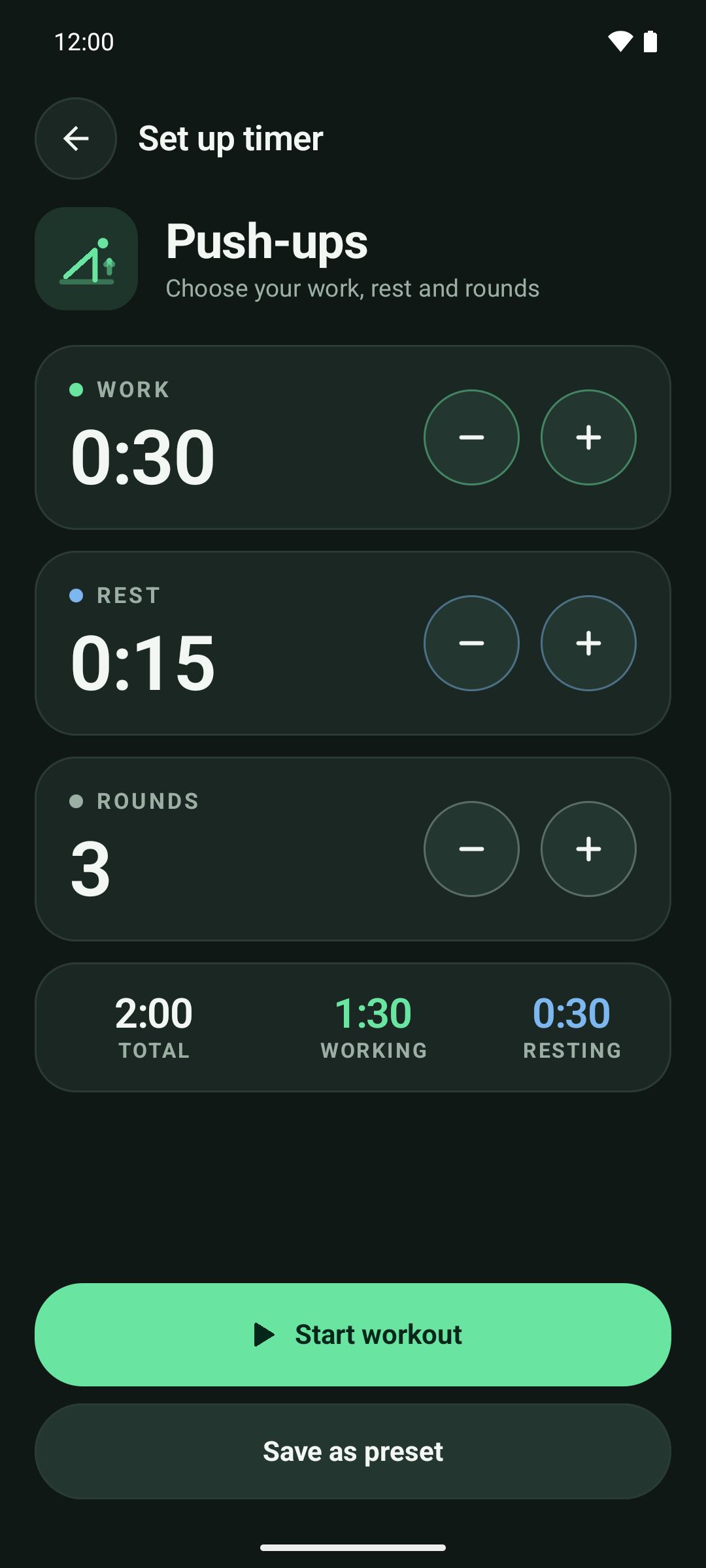
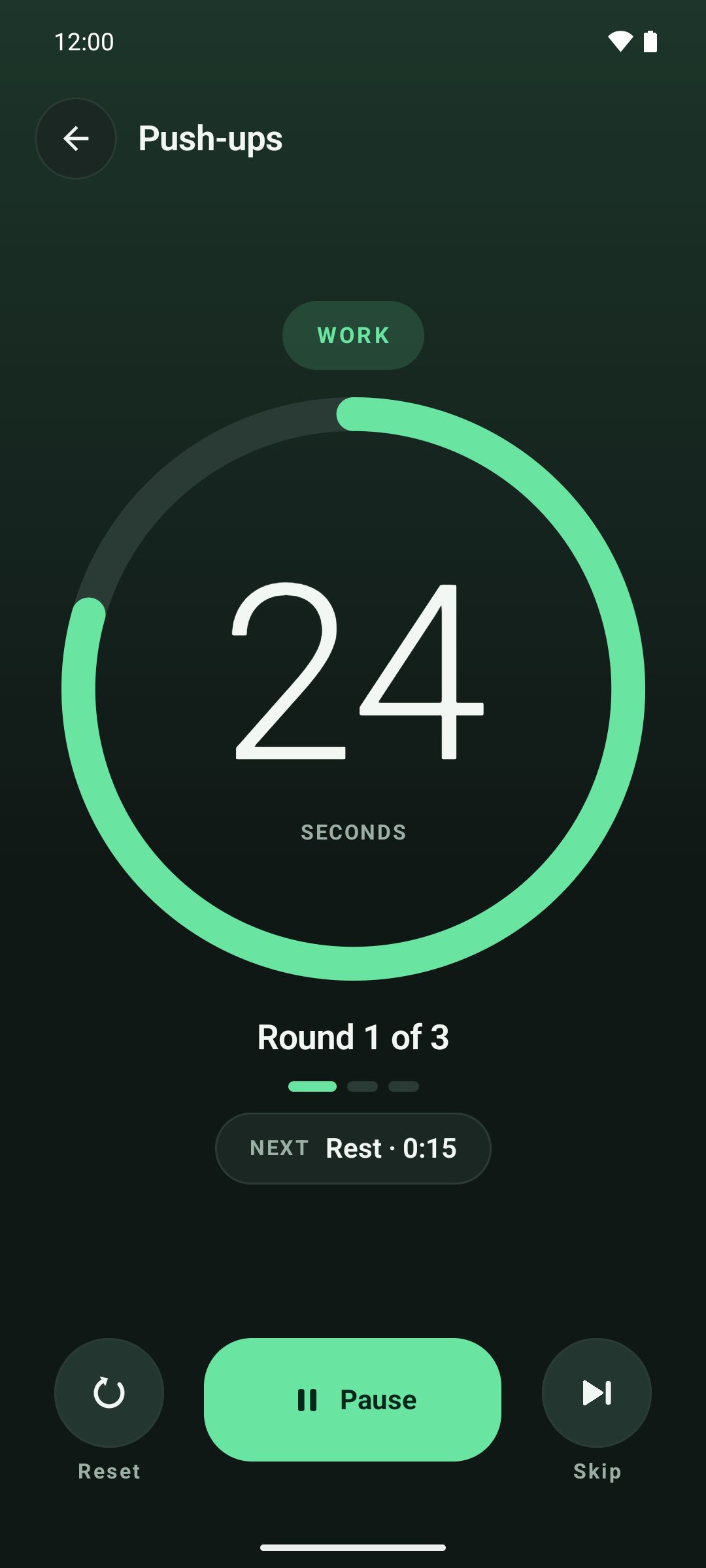
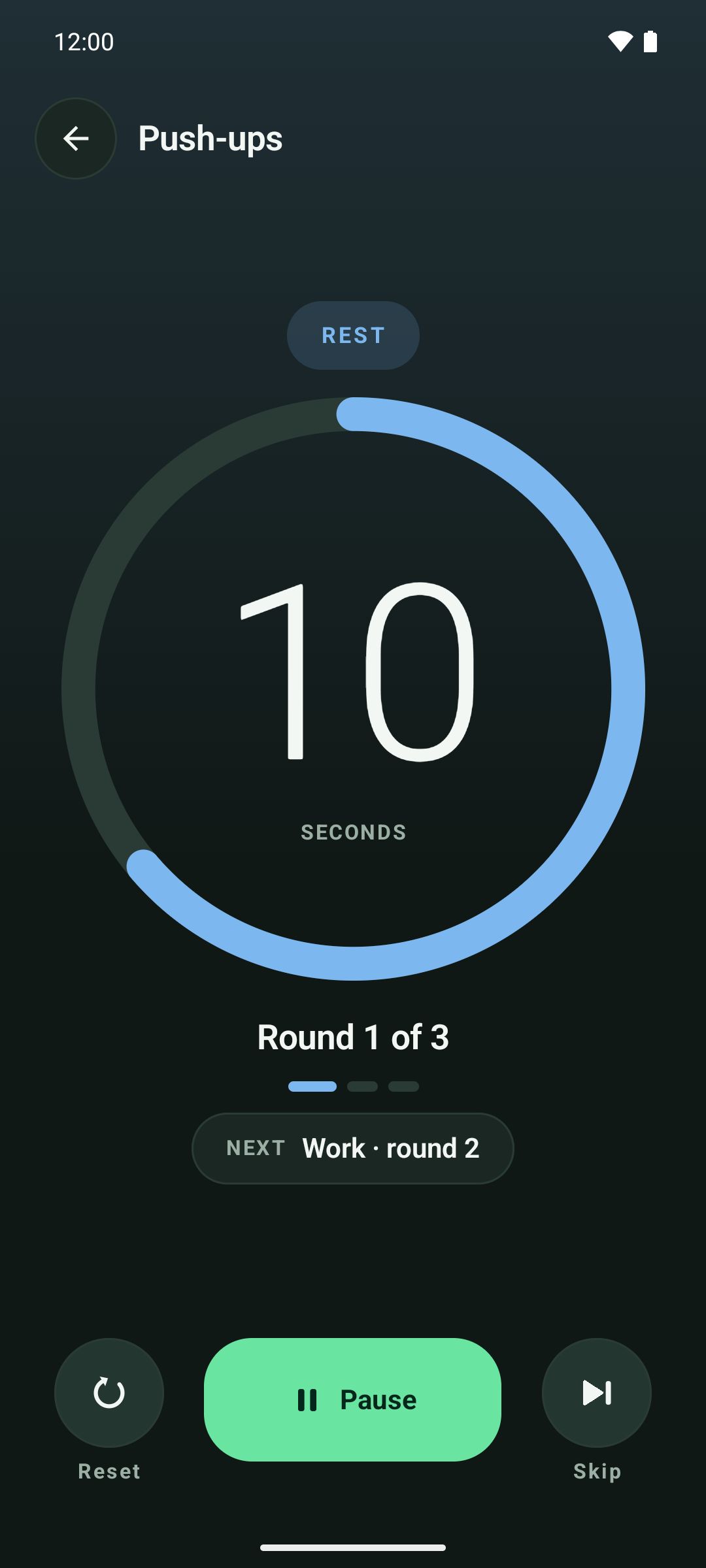
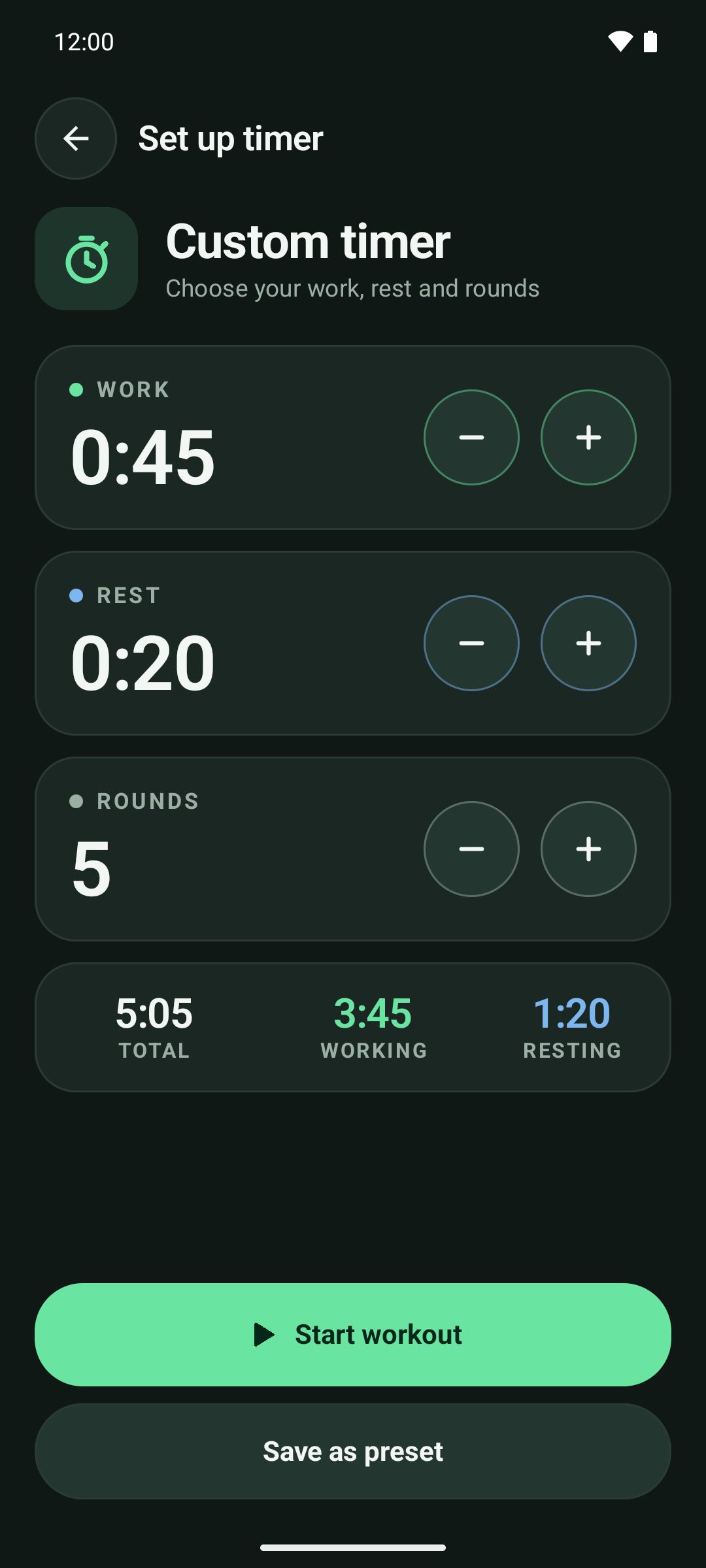
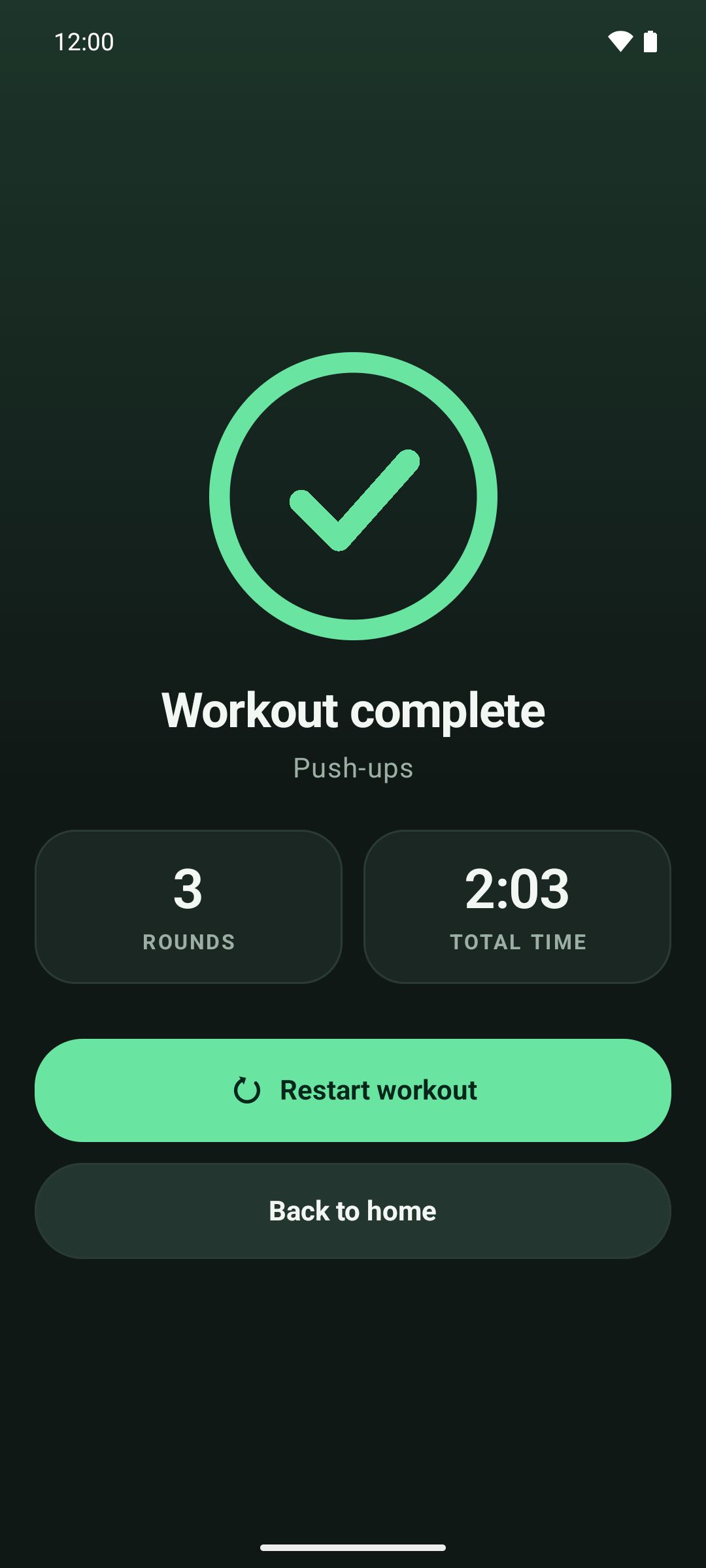
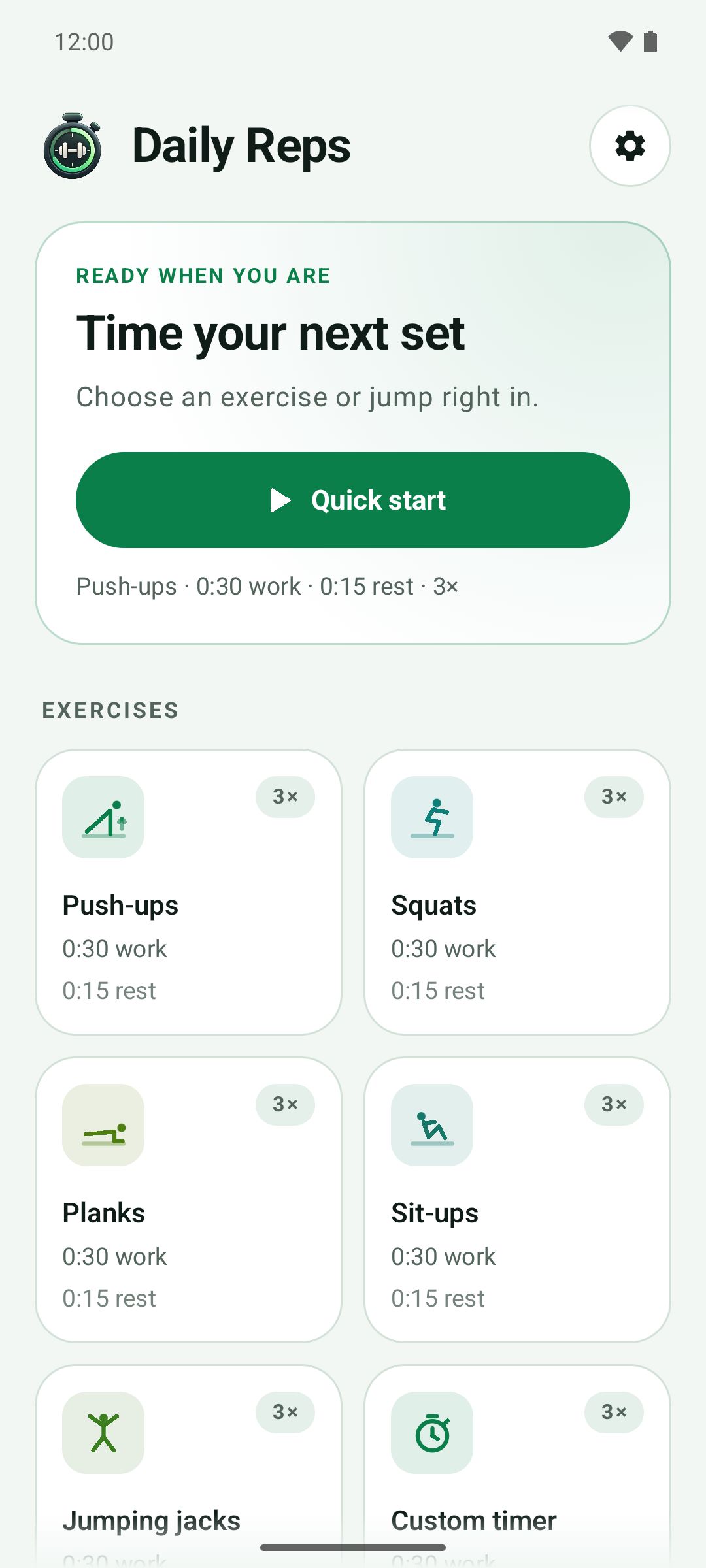
Screenshots are taken from the real app running on an Android 16 emulator.
About Daily Reps
Daily Reps is a stopwatch for exercising, not a fitness tracker. Choose an exercise or build a custom timer, set how long to work, how long to rest and how many rounds to do, then start. The big countdown, round counter and a "next up" hint are readable from across the room.
Work and rest follow each other automatically, with optional beeps and vibration when an interval changes. You can save your own presets, and everything stays on your device.
Features
What you get
-
Custom interval timer
Set work time, rest time and the number of rounds. Defaults are 30 seconds of work, 15 seconds of rest and 3 rounds, and the app remembers your last values for each exercise.
-
Exercise presets
Ready-made timers for push-ups, squats, planks, sit-ups and jumping jacks, plus a custom timer for anything else.
-
Built for workouts
A short 3-2-1 get-ready countdown, clear work and rest phases, a round counter, and Start, Pause, Resume, Reset and Skip controls.
-
Works offline
Daily Reps never needs a connection. It has no internet permission, so it cannot send anything off your device.
-
No ads, no accounts, no subscriptions
No advertising, analytics, sign-in or in-app purchases. The only permission it uses is Vibrate.
-
Save your own presets
Save, rename and delete your own timers. They are stored only on your device.
-
Beep and vibrate cues
Optional sound and vibration mark each change, with a tick for the last three seconds. Both can be switched off in Settings.
-
Dark and light themes
A dark charcoal theme by default, a light theme, or follow your system setting.
At a glance
Simple and private
Daily Reps is designed to do one job without asking for anything it does not need.
- Platform
- Android 8.0 (API 26) or later
- Price
- Free, with no ads and no in-app purchases
- Internet
- Not needed. The app has no internet permission
- Permissions
- Vibrate only
- Data collected
- None
Download
Daily Reps is not on Google Play yet. The download link will appear here when it is published.